
Why Roaming SIMs Break Google Maps And How To Fix It in 2 Minutes Your phone is in one country. Your internet is in another. That’s why everything feels broken.
Written By Adam Kaczocha
Published Feb 11, 2026
You land in a new country. You turn off airplane mode. You open Google Maps.
And immediately, something feels wrong.
- The restaurant names are in the wrong language.
- Prices are still shown in your home currency.
- Search results feel foreign or irrelevant.
- Some local apps say they are not available in your region.
This is not random or a bug. You are physically in one country — but digitally, you are somewhere else.
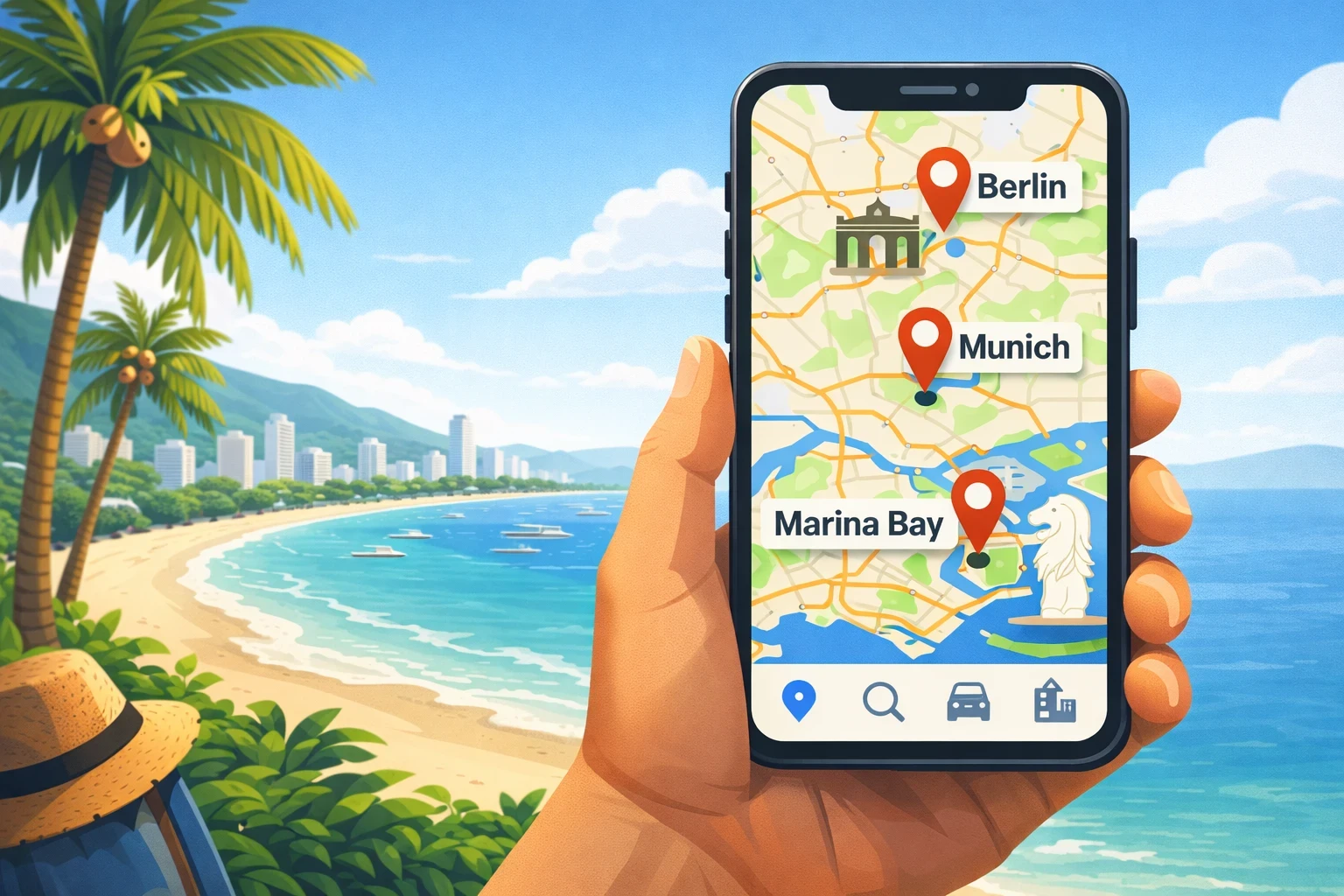
You are not imagining things.
Millions of travelers experience this every day — and almost nobody knows why.
It has nothing to do with your phone. It has everything to do with how the internet routes you.
The Real Problem: Your Phone Is in One Country, But Your Internet Is in Another
International routing (international breakout) means your mobile data exits the internet in a different country than where you are physically located.
When you use your home SIM while roaming, or many international travel SIMs or eSIMs, your phone often connects to the internet through another country entirely.
Your phone is physically in Thailand, but your internet connection exits in Singapore, Germany, or even your home country.
Websites and services think: "This user is in Singapore / Germany / Australia" even though your body is in Thailand.
This mismatch is what breaks your digital experience.
How can I check where my internet is actually breaking out?
You can see your real internet location in under 10 seconds.
- Open Google and search: What is my IP location
- Or visit any IP checker website
- Compare the country shown with where you are physically located
If they do not match, your traffic is being routed internationally.
Why This Breaks Google Maps, Search & Local Apps
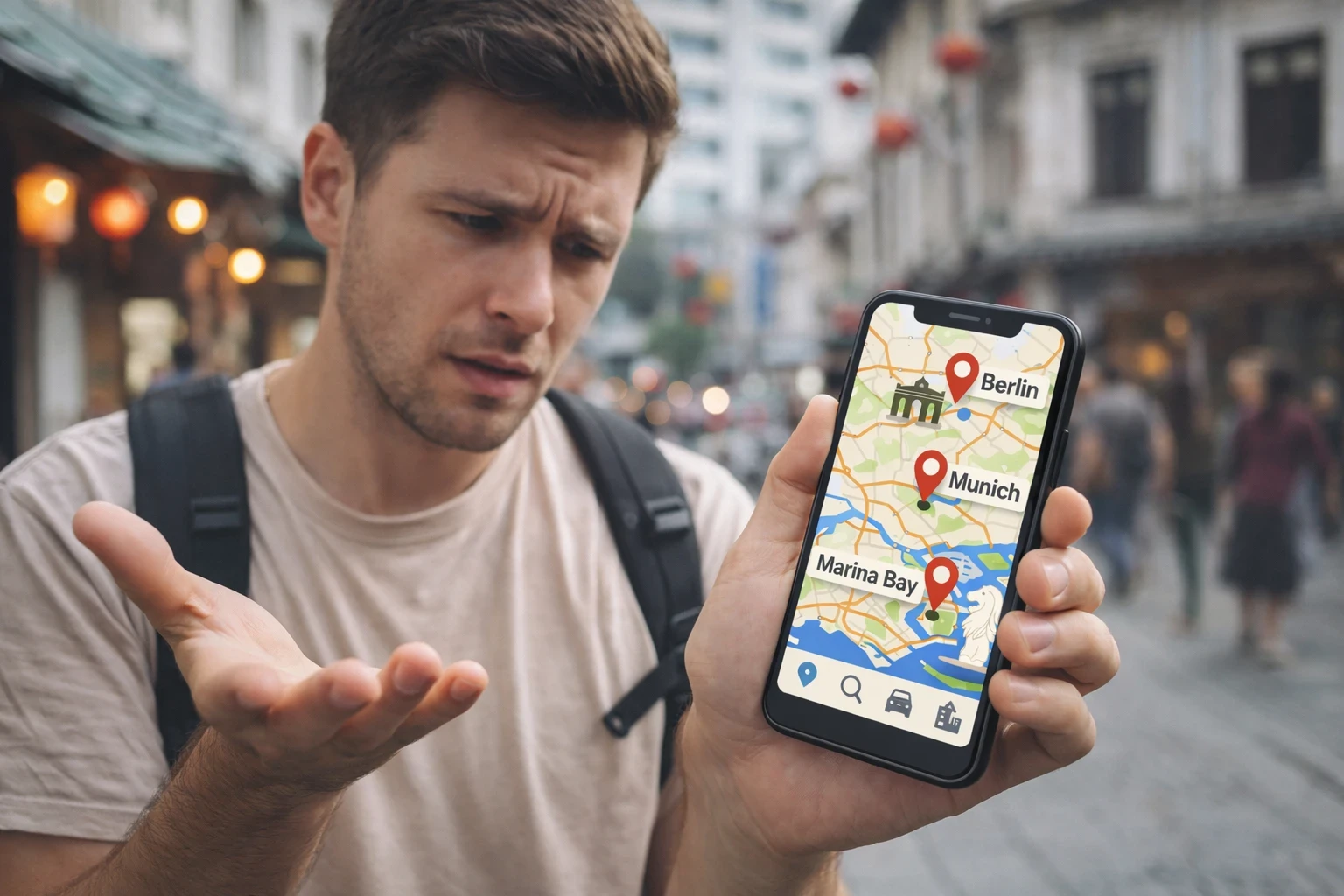
Most modern apps do not rely only on GPS. They use a combination of:
- GPS location (where your phone is)
- IP address location (where your internet exits)
- Network data (carrier and region signals)
If those do not match, apps trust the internet location more than GPS. That is why things feel "wrong" even though your blue dot is correct. This is why people search things like ‘Google Maps wrong location’, ‘VPN shows wrong country’, or ‘eSIM IP location’.
Why does Google trust IP location more than GPS?
Because GPS can be spoofed, blocked, or unavailable indoors. IP location is considered more reliable for service localization, pricing, legal compliance, and content delivery.
This is why even with perfect GPS, apps still behave as if you are elsewhere.
Common Symptoms Travelers Experience
Wrong Google Maps Results
You search "Best coffee near me" and instead of real local cafés, you get chains, tourist-heavy results, or businesses from another country.
Wrong Language & Currency
Websites show your home language, your home currency, or regional pricing from the wrong market.
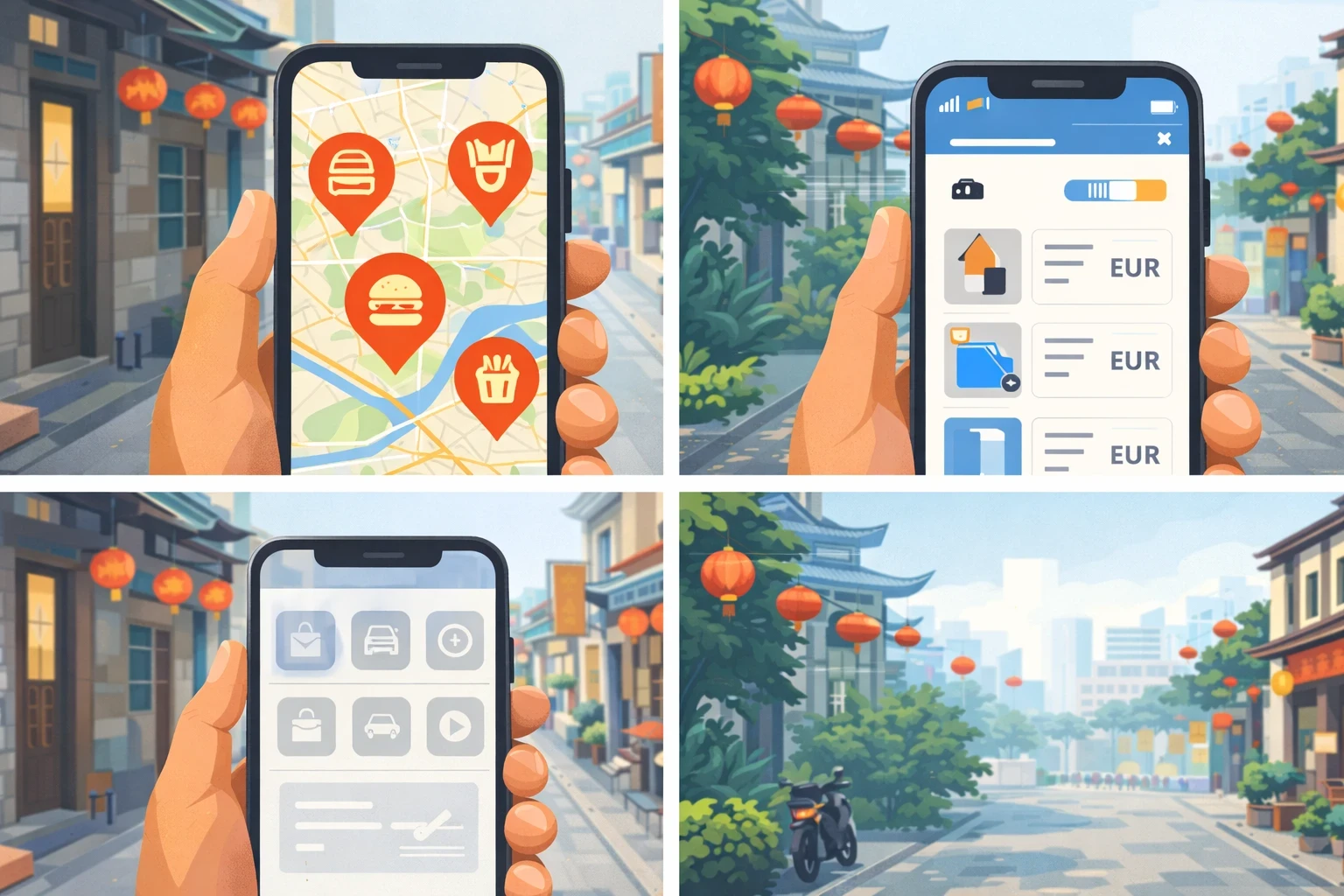
Missing Local Services
Food delivery, ride sharing, banking, ticketing, and streaming platforms hide features or block you entirely.
Regional Restrictions
If your SIM routes traffic through a restrictive country, you inherit those restrictions — even if you are not physically there.
How common is this problem really?
Extremely common. Any roaming SIM, most travel eSIMs, and many hotel or airport networks use foreign breakout.
If you did not explicitly buy a local SIM with local breakout, assume your traffic is routed internationally.
Real Travel Scenarios (This Happens Constantly)
Internet exits in Australia. Google shows Australian results.
Streaming shows Hong Kong catalogues. Japanese apps fail.
Local Indonesian services are missing. Prices feel off.
When a Single-Country eSIM Is Actually the Best Option
If you are travelling to one country only, a single country eSIM is usually cheaper, simpler, and more efficient than a regional plan.
However — the breakout country still matters.
The Part Most eSIM Providers Do Not Disclose
Even if you buy a "Thailand eSIM", your internet may still exit elsewhere. Many travel eSIMs route traffic via Singapore, Hong Kong, Europe, or the US.
At SuperiorMe, we explicitly show breakout countries and whether true local breakout exists, because it directly affects real-world experience.
The Reality in Some Countries (Bali Example)
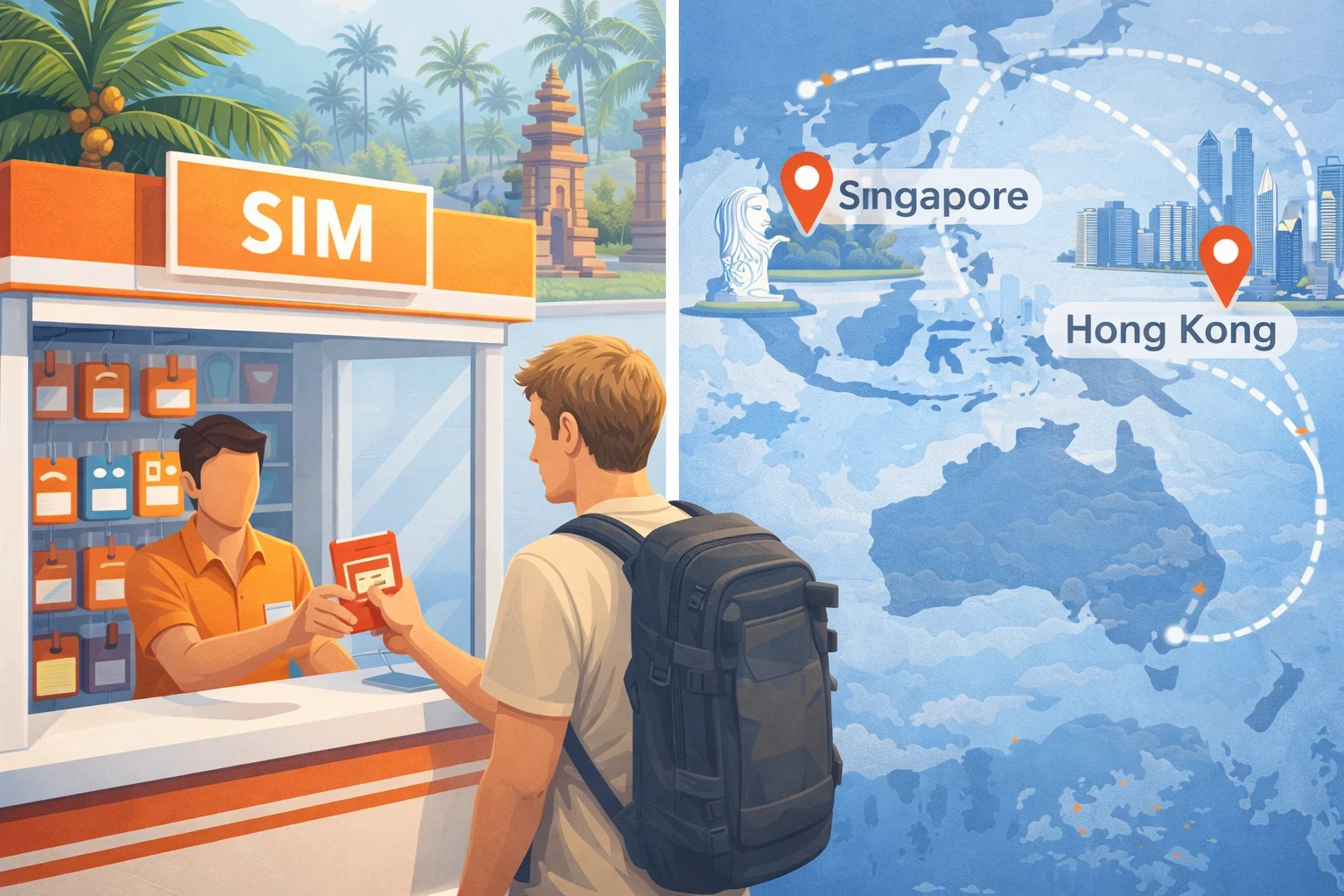
Most "tourist SIMs" for Bali are technically roaming SIMs from Singapore or Hong Kong, even when marketed as Indonesian.
True local Indonesian SIMs require passport registration, IMEI locks, local tax compliance, and often only work on locally registered devices.
The Two Real Solutions
Local Breakout eSIM
Best accuracy. Higher cost. Best for single-country trips.
International eSIM + VPN
Best value. Flexible. Ideal for multi-country travelers.
Which is better: local eSIM or VPN?
Technically, local breakout is always superior. But VPN is cheaper, more flexible, and works across countries.
Most frequent travelers use both: local or regional eSIM for data + VPN for routing accuracy.
What a VPN Actually Does (and Why It Matters When Traveling)
A VPN (Virtual Private Network) works by creating a secure tunnel between your device and a server in another location. All of your internet traffic is routed through that server before reaching the wider internet.
In practical terms, this means:
- Websites see the VPN server location, not your real location
- Your ISP or hotel Wi-Fi cannot inspect your traffic
- Apps like Google Maps, Uber, Booking.com, and streaming services use the VPN country for localization
For travelers, VPNs solve two core problems at once:
- Privacy: protecting your data on public or foreign networks
- Routing: controlling which country the internet thinks you are in
This is especially important when using international SIM cards, eSIMs, or roaming networks, because those connections often exit the internet in the wrong country entirely.
What to Look For in a Travel VPN
Not all VPNs are created equal. Many free or low-quality VPNs introduce new problems instead of fixing them. When choosing a VPN for travel, these factors actually matter:
- Large country coverage: so you can match your real location
- No-logs policy: the provider does not store your browsing activity
- High-speed infrastructure: mobile-friendly servers with low latency
- Manual server selection: choose specific countries, not just “auto”
- Strong app support: stable iOS and Android apps
- Good reputation: long-standing provider with real user reviews
A slow or poorly designed VPN will:
- Drain battery
- Break apps
- Cause random disconnections
- Make mobile data feel unusable
Why Infrastructure Matters More Than Brand
We normally avoid recommending specific VPN brands. But for travel, infrastructure quality matters more than marketing.
Why We Recommend NordVPN (for Travelers)
Most VPN reviews focus on privacy and encryption. That is important — especially when traveling.
But for travelers, VPNs solve two real-world problems at the same time:
- Security & privacy on untrusted networks
- Routing control when your internet exits in the wrong country
Both matter. And both happen constantly when traveling.
1. Privacy & Security (Public Wi-Fi Problem)
When you travel, you almost always connect to:
- Hotel Wi-Fi
- Airport Wi-Fi
- Cafés and coworking spaces
- Shared resort or apartment networks
These networks are shared, poorly secured, and often monitored. Without a VPN, your traffic can be inspected, logged, or intercepted.
With NordVPN:
- All traffic is encrypted
- Your real IP is hidden
- Network operators cannot see your activity
This makes public Wi-Fi genuinely safe to use.
2. Routing Control (Hidden Travel Problem)
When using roaming SIMs, travel eSIMs, or regional plans, your internet often exits in the wrong country.
This breaks:
- Google Maps localization
- Pricing and currencies
- Food and ride apps
- Streaming and regional services
NordVPN lets you force your connection to exit in a specific country, restoring correct geographic behavior.
The Practical Travel Setup (How People Actually Use This)
With a high-quality eSIM like SuperiorMe, you already reduce risk because you rely less on public Wi-Fi and stay on mobile data more often.
But in reality, travelers still use both:
- eSIM data when out and about (maps, rides, navigation)
- Public Wi-Fi for large uploads, downloads, backups, and work
NordVPN protects both scenarios:
- Encrypts you on public Wi-Fi
- Fixes routing on mobile data
Correct mental model:
- eSIM = connectivity layer
- VPN = security + routing layer
Why NordVPN Specifically (Not Just Any VPN)
Many VPNs fail in real travel conditions due to slow speeds, unstable mobile apps, overloaded servers, and limited country coverage.
NordVPN works well for travelers because:
- Servers in 180+ locations worldwide
- Strong iOS & Android apps
- Stable on eSIM and roaming networks
- Manual country selection
- Strict no-logs policy
- Fast nearby infrastructure
This makes it usable on hotels, airports, cafés, coworking spaces, and mobile data — not just home broadband.
The Optimal Travel Stack (Reality)
For frequent travelers, the setup that actually works is:
SuperiorMe eSIM + NordVPN
eSIM provides connectivity. NordVPN adds protection and geographic accuracy.
Together they give you:
- Less reliance on unsafe Wi-Fi
- Protection when you do use it
- Correct digital location
- Consistent app behavior across countries
In simple terms: the internet behaves like you are where you actually are — and stays secure while doing it.
Why SuperiorMe eSIM + VPN Is the Optimal Travel Setup
Using a VPN solves the routing problem at the software level. But the quality of your underlying eSIM still determines: speed, stability, and how often things break in the first place.
This is where most travel eSIM providers fail. They sell “global data” without disclosing how traffic is actually routed.
At SuperiorMe, we treat routing as a first-class feature, not an afterthought.
What Is a Breakout Country?
The breakout country is the country where your mobile data exits onto the public internet. This is the location that websites, apps, and services see as “your country”.
Even if you are physically in Thailand, your eSIM might break out in:
- Singapore
- Hong Kong
- Germany
- United States
This is why many travelers experience:
- Incorrect Google Maps results
- Wrong currencies
- Region-locked apps
- Poor latency
How SuperiorMe Handles Routing Differently
Unlike generic travel eSIM providers, SuperiorMe clearly discloses the breakout country for each product.
This gives you three major advantages:
- You know exactly where your traffic exits
- You can choose products with local breakout when available
- You can pair intelligently with a VPN if needed
In many cases, choosing the right breakout country removes the need for a VPN entirely.
How to Choose a Breakout Country on SuperiorMe
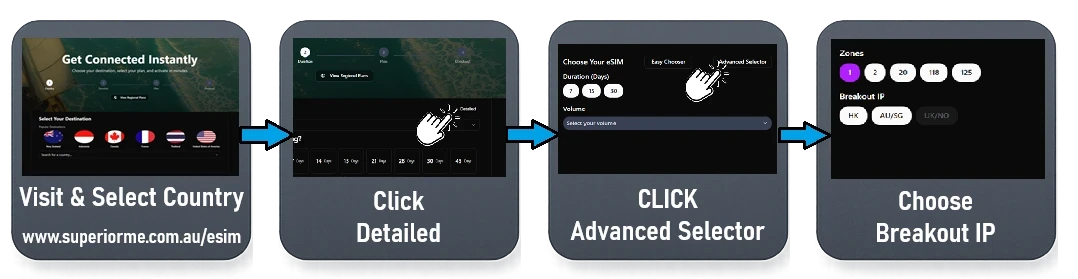
You do not directly “select” a breakout country on SuperiorMe. Instead, you choose a network plan — each plan has a predefined breakout route.
To make this fully transparent, we show breakout countries in our Advanced Selector. This allows you to see exactly where your mobile data exits onto the internet before purchasing.
With this view, you can:
- Compare real routing paths across plans
- Select local breakout when available
- Understand why prices differ by plan
- Pair intelligently with a VPN if needed
Why Prices Differ by Breakout Country
Not all breakout countries are equal. Local or premium breakout routes cost more at the carrier level.
This is why:
- Some countries have cheaper plans but foreign routing
- Some countries cost more but offer true local breakout
- Not all breakout options exist for all destinations
We expose this tradeoff transparently instead of hiding it behind “unlimited global data” marketing.
The Smart Travel Strategy
For the best real-world experience:
Do I always need a VPN with SuperiorMe?
No. If your eSIM has true local breakout, a VPN is often unnecessary.
But if you choose a cheaper regional plan, a VPN gives you full geographic control.
- Use a SuperiorMe eSIM with local or regional breakout
- Add a VPN only if routing accuracy is critical
- Choose your VPN country to match your physical location
This gives you:
- Correct geographic routing
- Lower latency
- More reliable apps
- Better overall mobile performance
In short: eSIM controls the network. VPN fine-tunes the geography.
Common Questions (Straight Answers)
Does a VPN slow down my internet?
Slightly, yes. A VPN adds one extra routing step. In real-world use, the difference is usually negligible for browsing, maps, messaging, and streaming.
Is local breakout always better?
Technically yes — it gives the most accurate digital location. But it often costs more and is only practical for single-country trips.
Why don’t all eSIM providers disclose breakout?
Because most customers do not understand international routing, and breakout location is invisible unless you test it. Hiding it makes regional plans easier to sell.
Can Google Maps be forced to use GPS only?
No. Google Maps always combines GPS with network data. You cannot disable IP-based location inside the app.
Is using a VPN legal while traveling?
In most countries, yes. Some regions (China, UAE, Iran, Russia) restrict or regulate VPN usage. Always check local laws if traveling to regulated countries.
The One-Minute Decision Model
Where Are You Going?
One country
Use a single-country eSIM
Do Apps Feel Wrong?
Wrong maps / pricing
Turn on VPN
Breakout location always matters. VPN is the universal correction layer.
The Setup Most Frequent Travelers Actually Use
For most travelers, the optimal setup is: SuperiorMe eSIM for connectivity + VPN or local ISP for accurate routing.